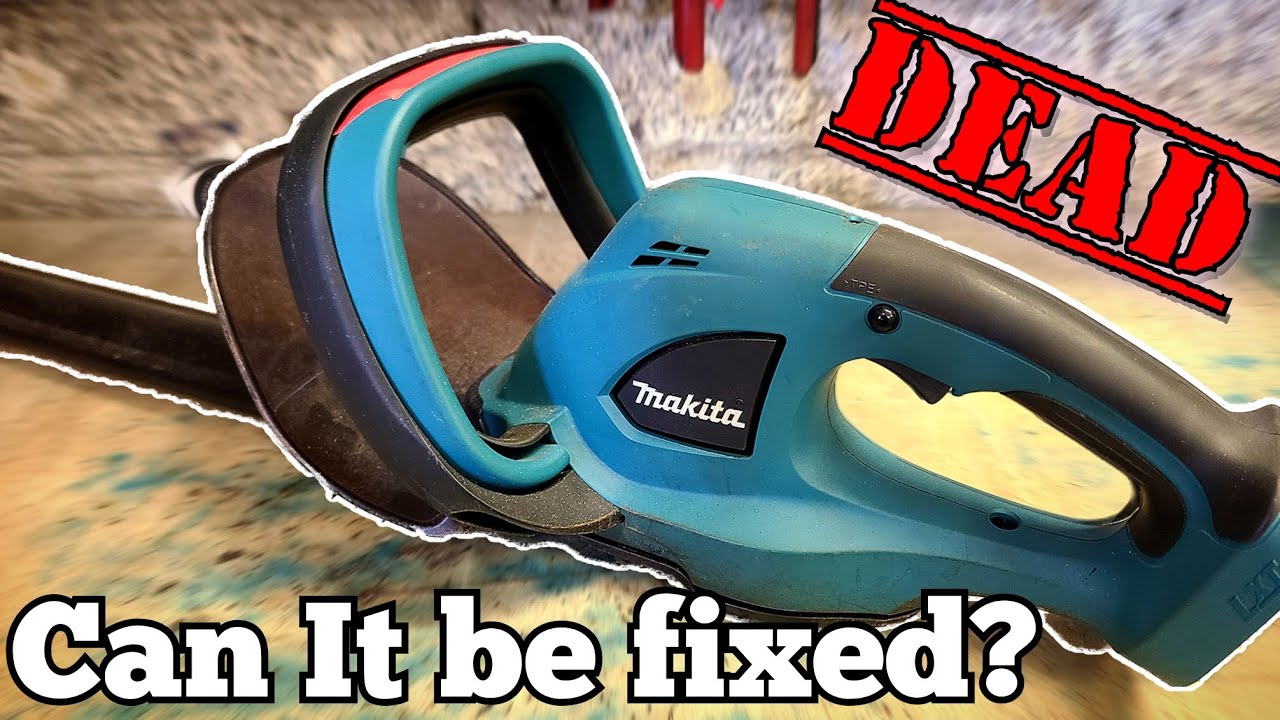
Is your cordless hedge trimmer refusing to start or suddenly stopped working? It’s frustrating when you’re ready to tidy up your garden, but your tool won’t cooperate.
You might wonder if it’s broken, or if there’s a simple fix you’re missing. Don’t worry—this isn’t the end of your trimming plans. Understanding why your cordless hedge trimmer isn’t working can save you time, money, and stress. Keep reading, and you’ll discover easy ways to get your trimmer back in action quickly.
Common Causes
Battery Issuesoften stop your cordless hedge trimmer from working. A dead or weak battery cannot power the tool properly. Check if the battery is fully charged. Sometimes, the battery contacts get dirty or loose. Clean and reconnect them carefully.
Blade Problemscan also cause trouble. Blades might be stuck with dirt, sap, or small branches. This stops the blades from moving freely. Sharpen dull blades or remove any blockages carefully.
Motor Malfunctionshappen when the motor gets overheated or worn out. Listen for strange noises or no sound at all. The motor might need professional repair if it does not start.
Safety Switch Activationis a safety feature that stops the trimmer from working. Make sure the safety switch is fully pressed or unlocked. Sometimes, the switch gets stuck and needs checking.

Credit: www.youtube.com
Battery Troubleshooting
Check the battery chargefirst. A low battery means the trimmer won’t start. Use the charger to fill the battery fully. If the battery shows no light or charge, it might be dead.
Look at the battery connections. Dirt or rust can stop power flow. Clean the contacts gently with a dry cloth. Make sure the battery fits tightly into the trimmer slot.
Replace faulty batteriesif charging and cleaning don’t work. Old batteries lose power and can stop working suddenly. Use the same type of battery to keep your trimmer safe and working well.
Blade Maintenance
Cleaning the bladesis key for good hedge trimmer work. Dirt, sap, and leaves can stick to blades. This makes the trimmer slow or stop. Use a brush or cloth to wipe the blades after each use. A little oil helps stop rust and keeps blades moving smoothly.
Sharpening dull bladesbrings back cutting power. Blades that are dull will pull and tear branches. Use a small file or sharpening stone carefully on each blade edge. Sharp blades cut faster and need less effort.
Removing obstructionskeeps the trimmer safe and working well. Check for twigs, wires, or thick branches stuck in the blades. Clear anything blocking the blades before turning the trimmer on. This stops damage and helps the tool last longer.
Motor And Electrical Checks
Check the wiringinside the trimmer for any loose or broken connections. Damaged wires can stop the motor from working properly. Use a small screwdriver to open the casing carefully. Look for burn marksor frayed wires that need fixing.
Test the motorby connecting it to a power source directly, if safe to do so. If the motor does not run, it might be burned outor stuck. Sometimes, dirt or debris inside the motor blocks movement. Clean gently with a brush to help it work again.
Resetting the trimmercan solve some electrical problems. Find the reset button, usually near the battery or switch. Press and hold it for a few seconds. This action can clear small errors in the trimmer’s system and get it running again.
Safety Features
Safety switcheskeep the trimmer from starting by mistake. Check if the safety switch is fully pressed. Sometimes, it needs a quick reset to work again. Try pressing and holding it for a few seconds before starting.
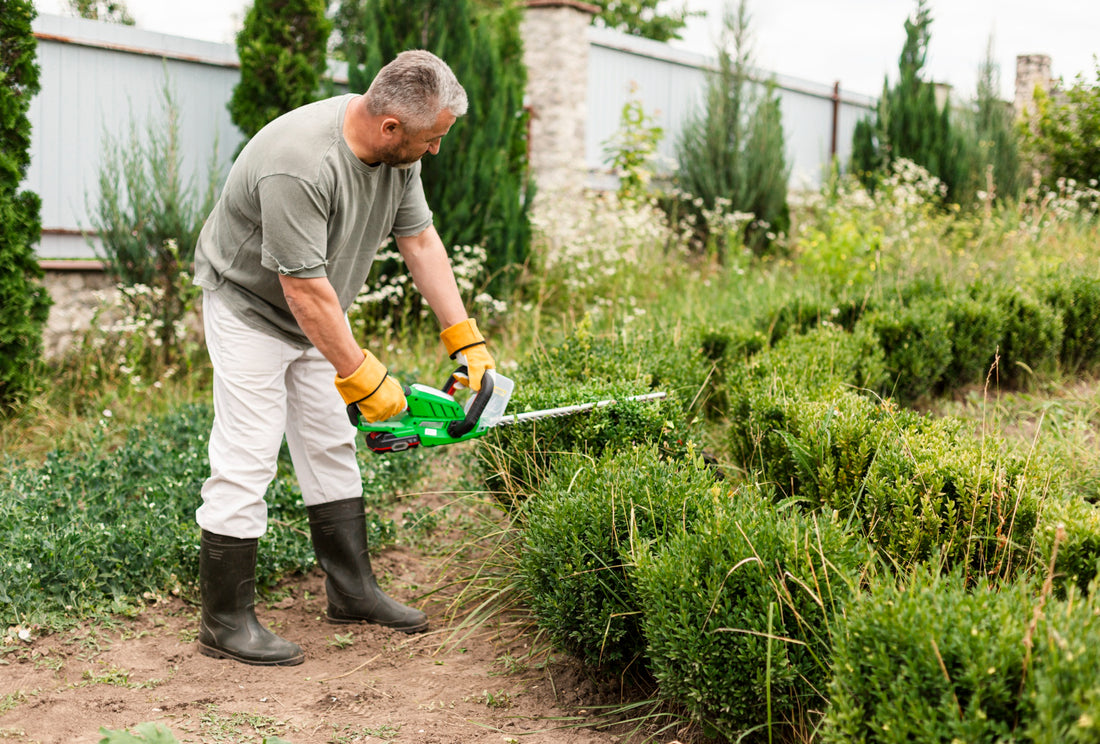
Check the trimmer’s parts for proper assembly. Loose or wrong parts can stop the tool from running. Make sure the blade is correctly attachedand the battery fits well. A badly connected battery will not power the trimmer.
Credit: wis-tek.com
Preventive Tips
Regular maintenance keeps your cordless hedge trimmerworking well. Clean the blades after each use to stop rust. Sharpen blades often to cut better and use less power. Check the battery and charger for damage or dirt. Replace worn parts to avoid breakdowns. Tighten screws to keep everything safe.
Proper storage helps your tool last longer. Store it in a dry, cool placeaway from rain and sun. Keep the battery out of extreme heat or cold. Remove the battery if you won’t use the trimmer for a long time. Cover the blades to protect them from dust and damage.

Credit: www.youtube.com
Frequently Asked Questions
Why Won’t My Cordless Hedge Trimmer Start?
Check if the battery is fully charged and properly connected. Inspect the safety switch; it must be engaged. Ensure the trigger is pressed correctly. Clean any debris blocking the blades or motor. Faulty batteries or damaged wiring can also prevent startup.
How Do I Fix A Cordless Hedge Trimmer Battery Issue?
First, recharge the battery fully using the recommended charger. If it won’t hold charge, the battery may be dead and need replacement. Avoid overcharging to extend battery life. Clean battery contacts regularly for better connection and performance.
What Causes A Cordless Hedge Trimmer Blade To Stop Moving?
Blades may stop due to jammed debris, dull blades, or motor problems. Turn off the trimmer and clear any stuck material. Lubricate the blades regularly to prevent rust. If the motor fails, professional repair or replacement might be necessary.
How Can I Maintain My Cordless Hedge Trimmer For Better Performance?
Regularly clean the blades and remove sap or dirt. Sharpen the blades as needed for efficient cutting. Store the trimmer in a dry place and charge the battery properly. Routine maintenance extends tool life and ensures reliable operation.
Conclusion
A cordless hedge trimmer may stop working for simple reasons. Check the battery charge and connections first. Make sure the safety switch is on. Clean the blades and remove any blockages. Sometimes, a reset or a new blade solves the problem.
Regular care helps the tool last longer. Small fixes save money and time. Keep these tips in mind for smooth trimming. Your hedge trimmer can work well again with little effort. Don’t give up—troubleshooting is part of good tool use.
Leave a Reply